Information for this website.
Introduction
This site is not completed! but feel free to have a look around.
If you have any ideas for improvements or new features please let me know!
This is a `PHP` driven website that is hosted on a linux web server
It would be advised that this site be uploaded to run directly from your own domain, i.e. hosted on your web hosting server.
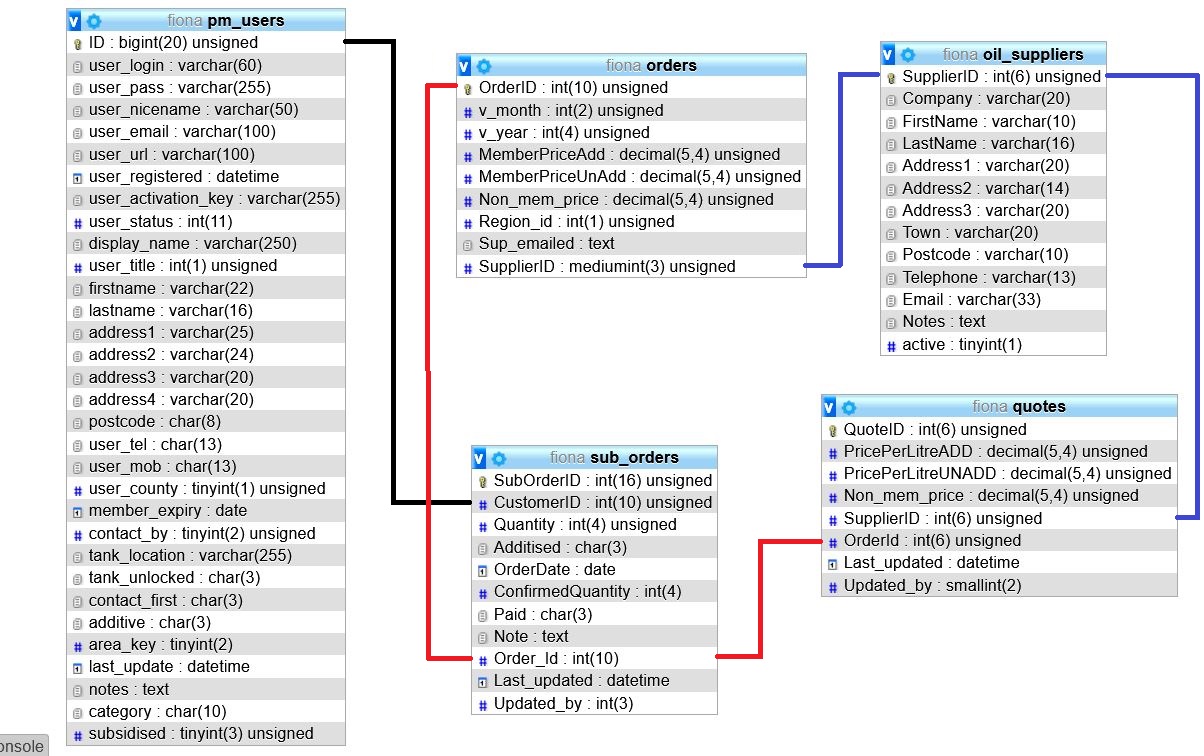
This would allow direct access to all files and `mysql` database for backup purposes.
Fuel Types
Customers and suppliers must have their fuel type selected.
A Supplier may distribute either  ,
,  or BOTH
Customers would typicaly be either OIL or LPG but they could have both or may have converted from one to the other.
Oil Orders
All regions are incorporated into a single interface.
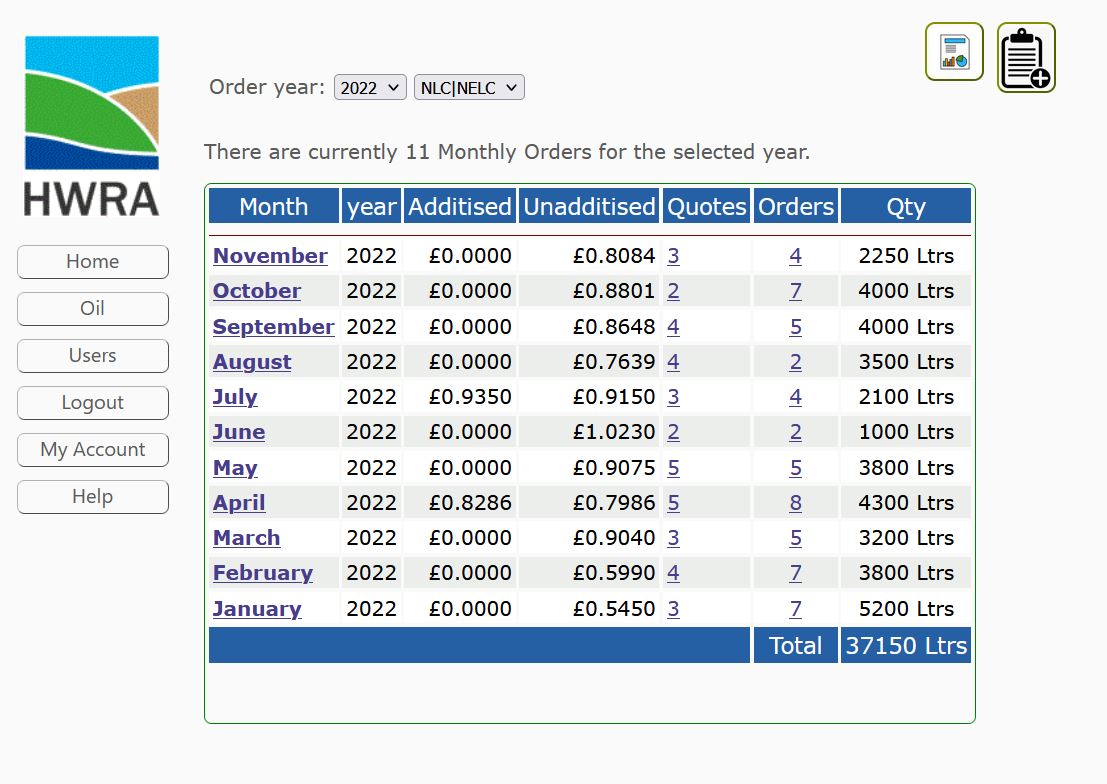
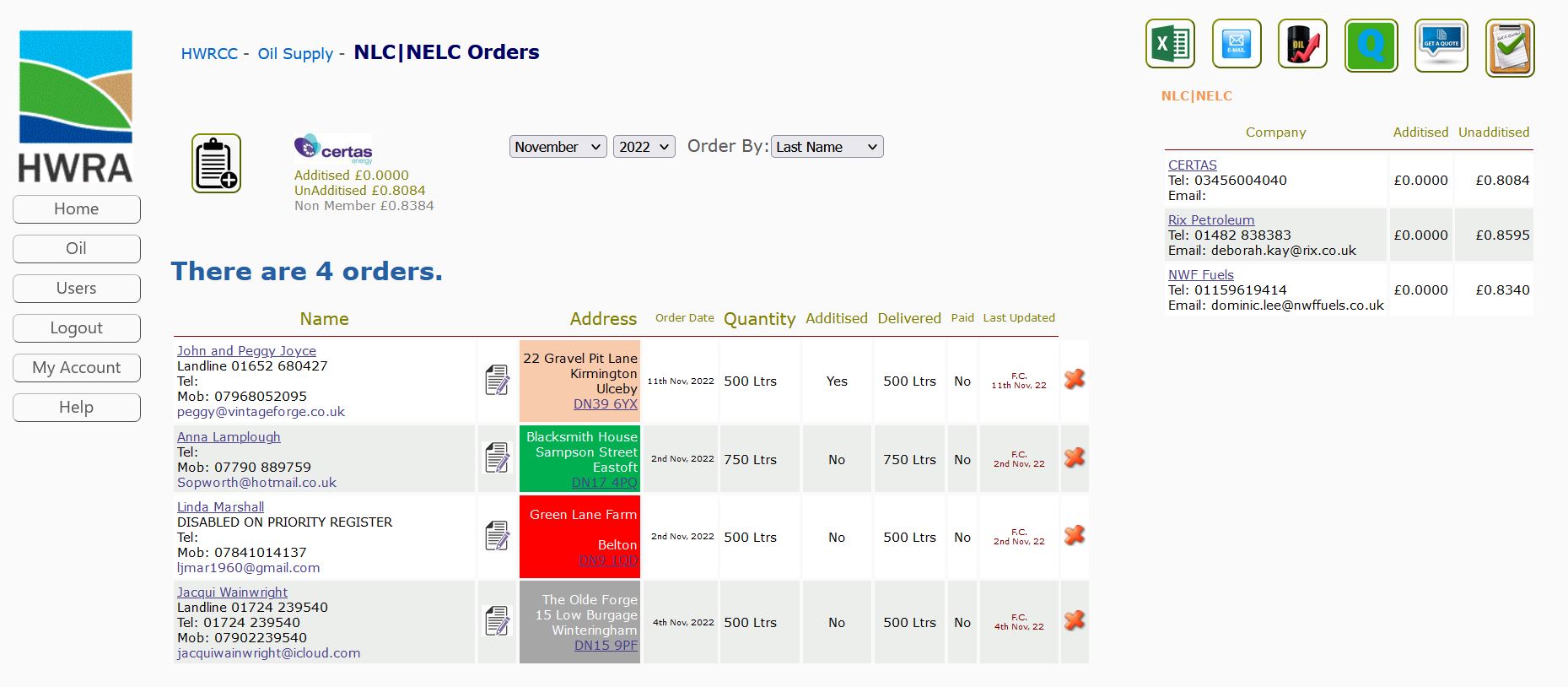
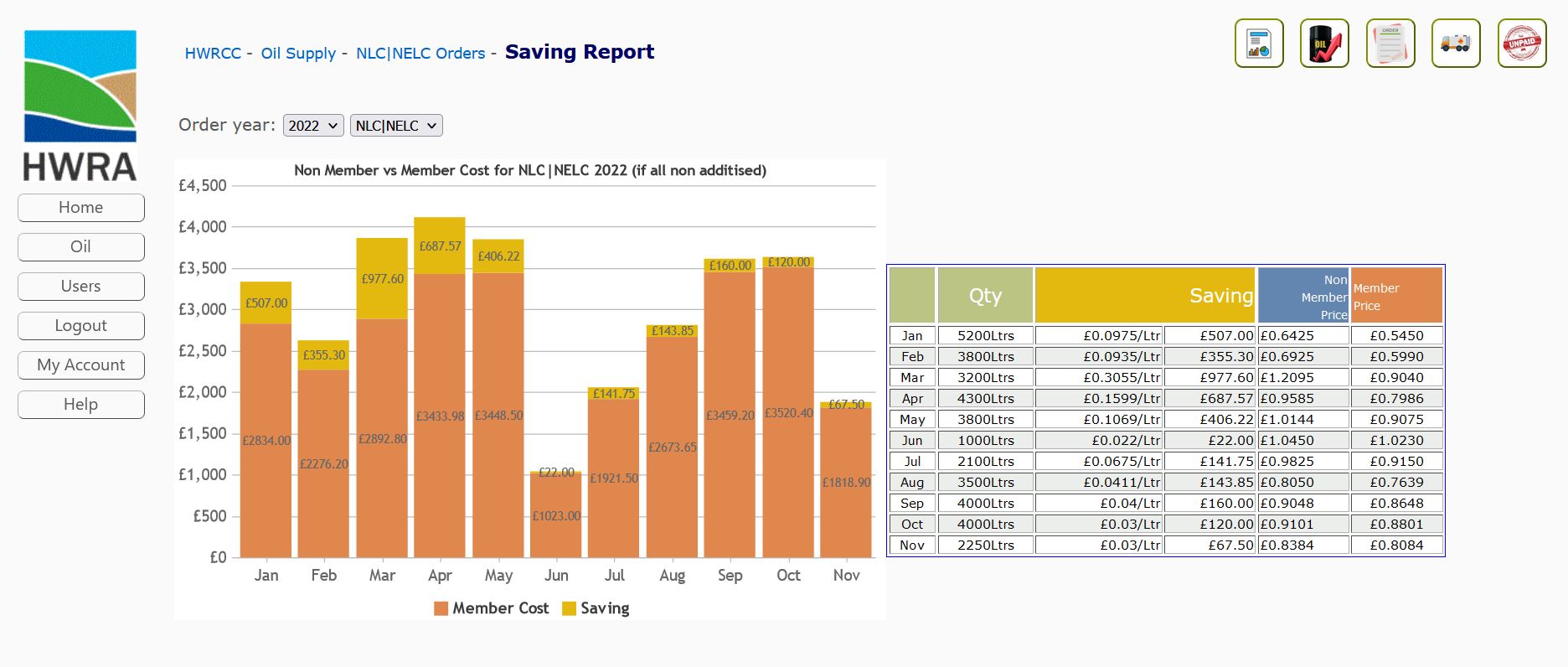
View monthly orders, add new orders, summary of orders, reports and invoices.
There is the opportunity to incorporate an order form directly on your website that will add the order to the system and if paypal payments were incorperated then customers would be able to pay online and all details updated to the system.
If any Household fund orders exist they will be displayed along side main orders. 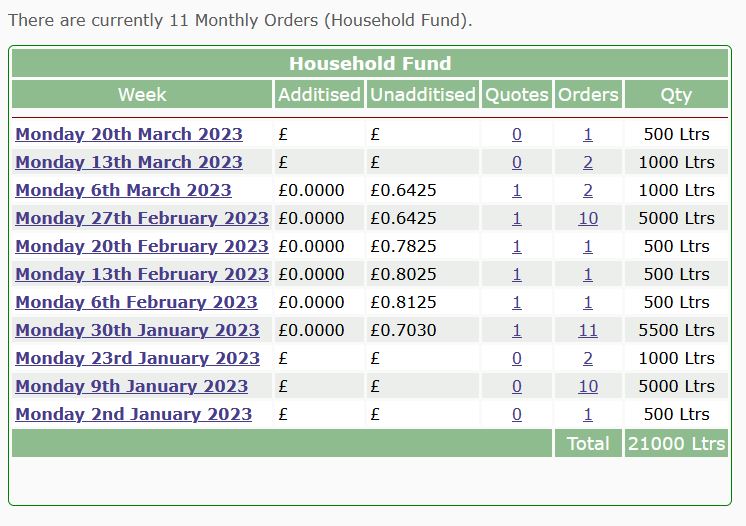
'EST' will show in order details where the Actually delivered quantity has not been declared.
Oil Customers
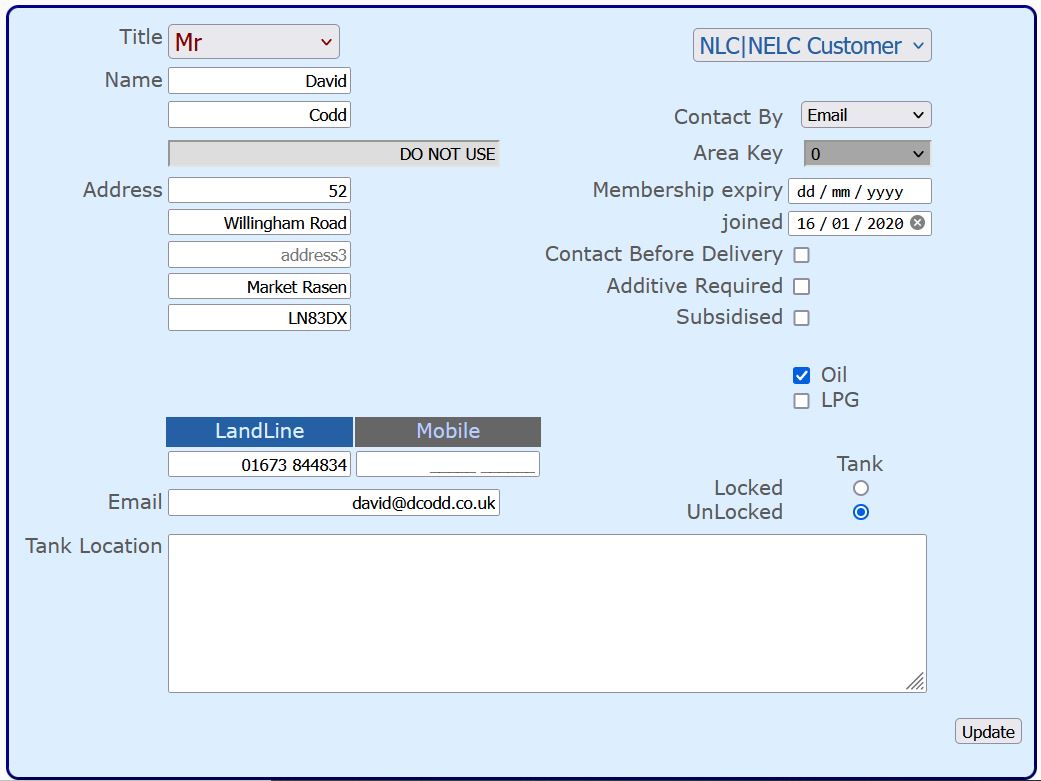
When Adding a new customer the system will check that the customers email address is not being used by another registered customer.
A members expiry field is available to fill in and will allow expired customer memberships to be highlighted
To inactive a customer make sure the expiry date is expired on the `edit customers` page, this will prevent those customers from being listed in forms until the expiry date is in date and therefor valid.
All oil customers although stored in a single table are assigned to a region, they will only show up on a form for their region.
Subsidised Customers
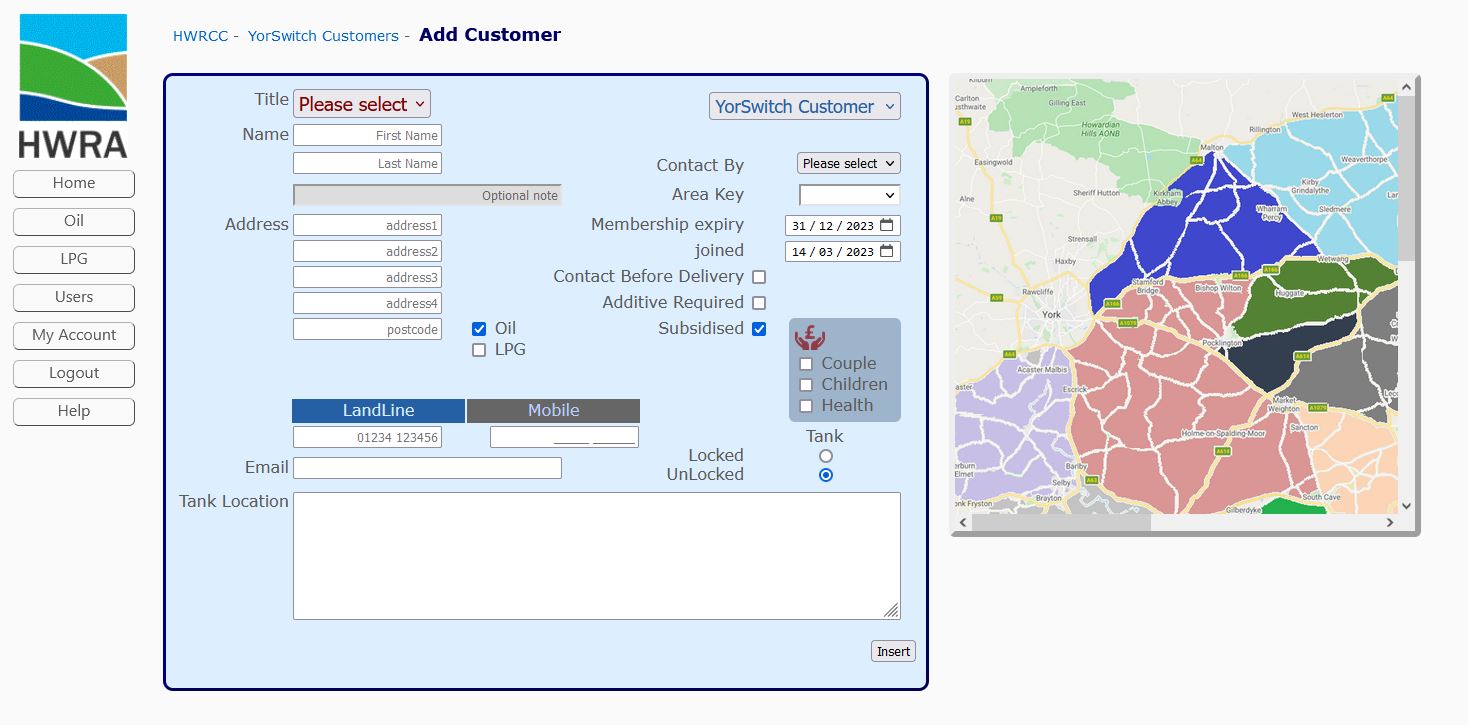
Any customer can be marked as 'Subsidised' from the 'Edit Customer' page
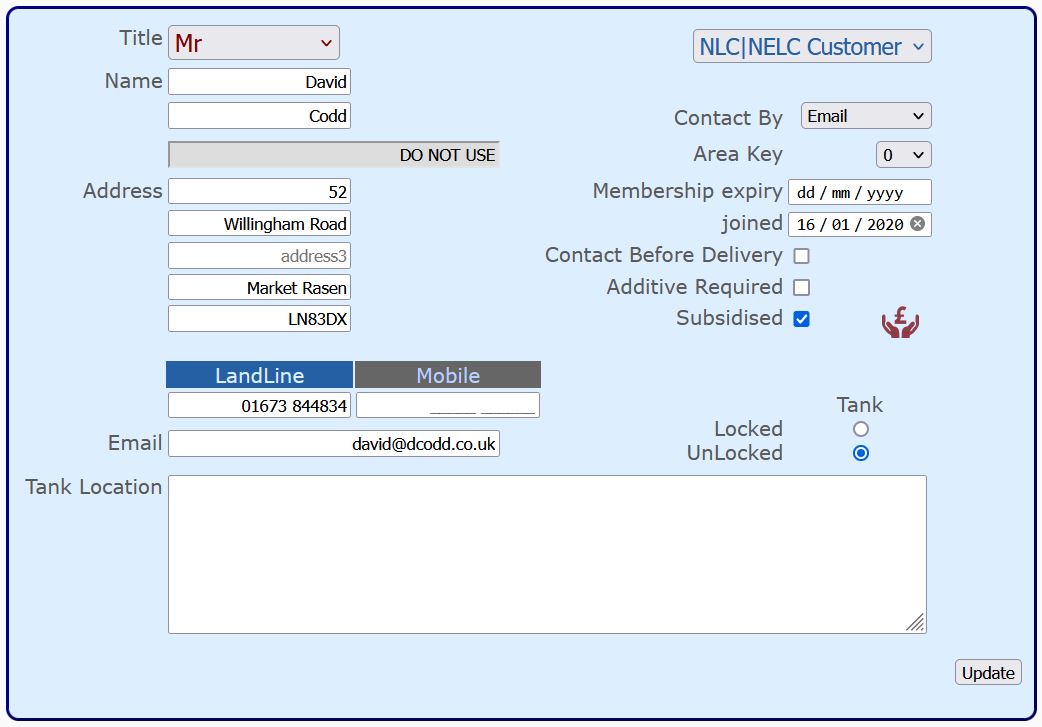
A subsidised customer can have 'Subsidised' status removed at any time.
Any orders submitted whilst the customer has been assigned 'Subsidised' status will have benefits recorded on the relevant orders.
This will allow any benefits to remain on those orders if later the subsidised status is remove.
Subsidised status is denoted by 
Subsidised customers will not show when viewing regular customers and visa versa to aid administration.
When inserting an order any Subsidised customer is marked in the selection options
Other features
The possibilities for future development are endless. storing data in a relational database allows the client to store and analyse data that can be cross referenced, reducing time, increasing productivity and reliability.
Group email could be performed automatically on various criteria including but not limited to contacting customers with outstanding bills, contacting all customers in a region, contacting suppliers for quotes.
Functions and help
Press 'Fn' + 'F11' to toggle full browser screen.
Press 'ctrl' + ' F' to search any page.
If exported xml files do not open in excel when clicked.
- Change default application.
- press win key & i
- Select Apps
- Select Default Apps
- Select Choose application by file type (it might take some time to load)
- Scroll down for .xml on left pane
- Select Excel
- If you are unable to achieve the above you can.
- Right click the downloaded file and select open with excel.
- Open excel first and open file from inside the application.
- press win key & i
- Select Apps
- Select Default Apps
- Select Choose application by file type (it might take some time to load)
- Scroll down for .xml on left pane
- Select Excel
- Right click the downloaded file and select open with excel.
- Open excel first and open file from inside the application.
Login
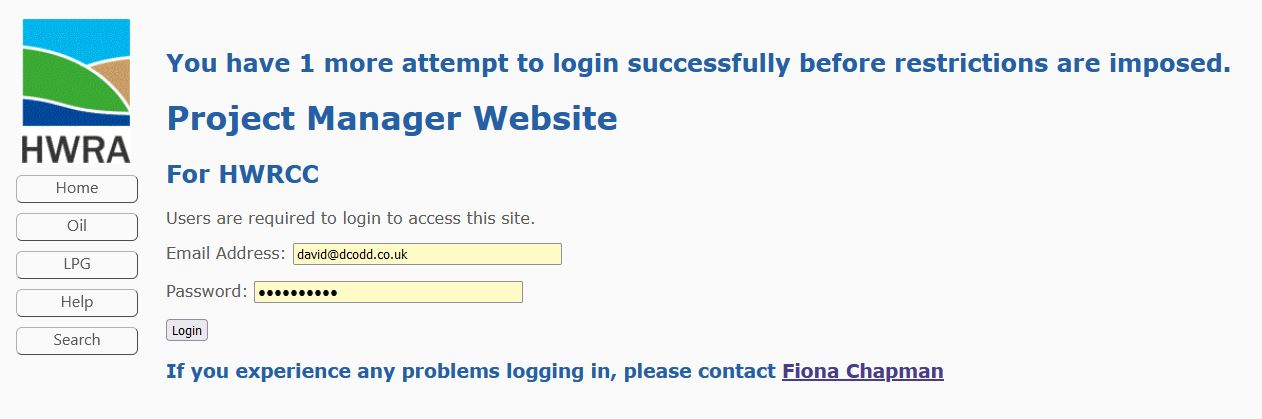
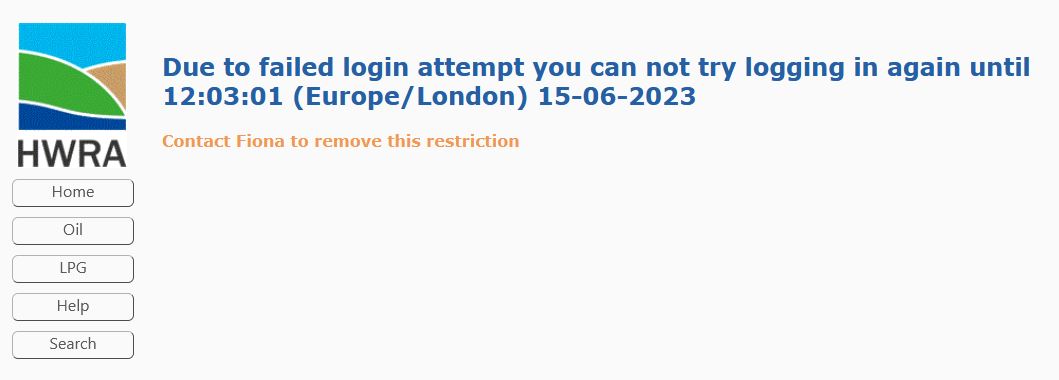
Three failed login attempts will result in a time restricted IP address block
Further failed login attempts will result in time delay increase.
A blocked IP address will prevent other users from the same IP address Logging into the website, however anyone already logged in can continue until they logout.
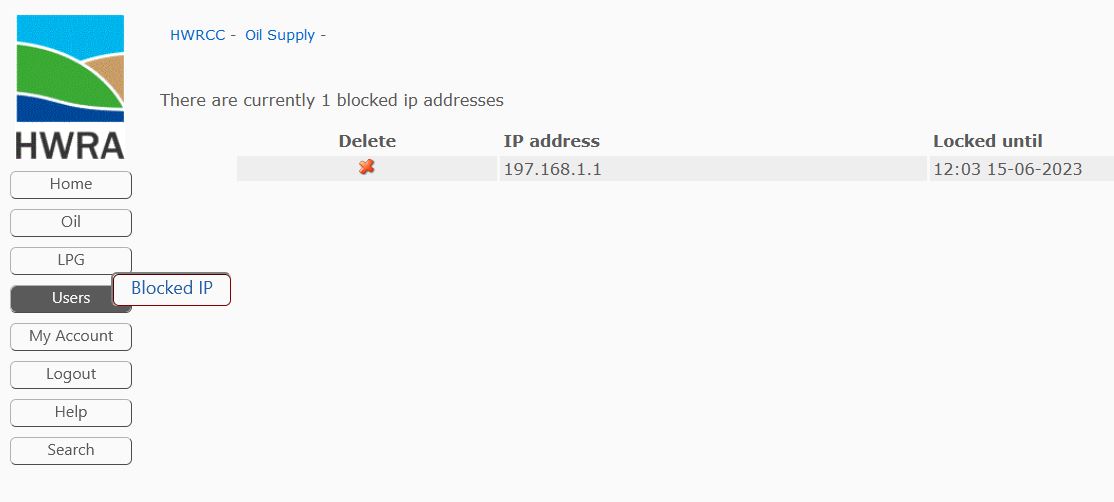
Blocked IP addresses can be removed from 'Blocked IP' page.
Password's
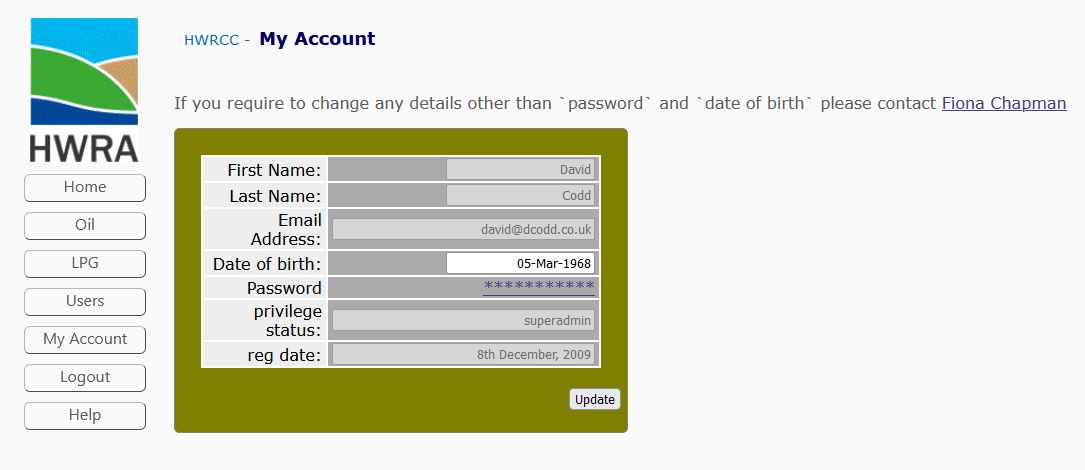
Changing password's can be performed via the link on the 'My Account' page.